Sign and Route Documents Locally in Google Docs Without Paying Per-Envelope Fees
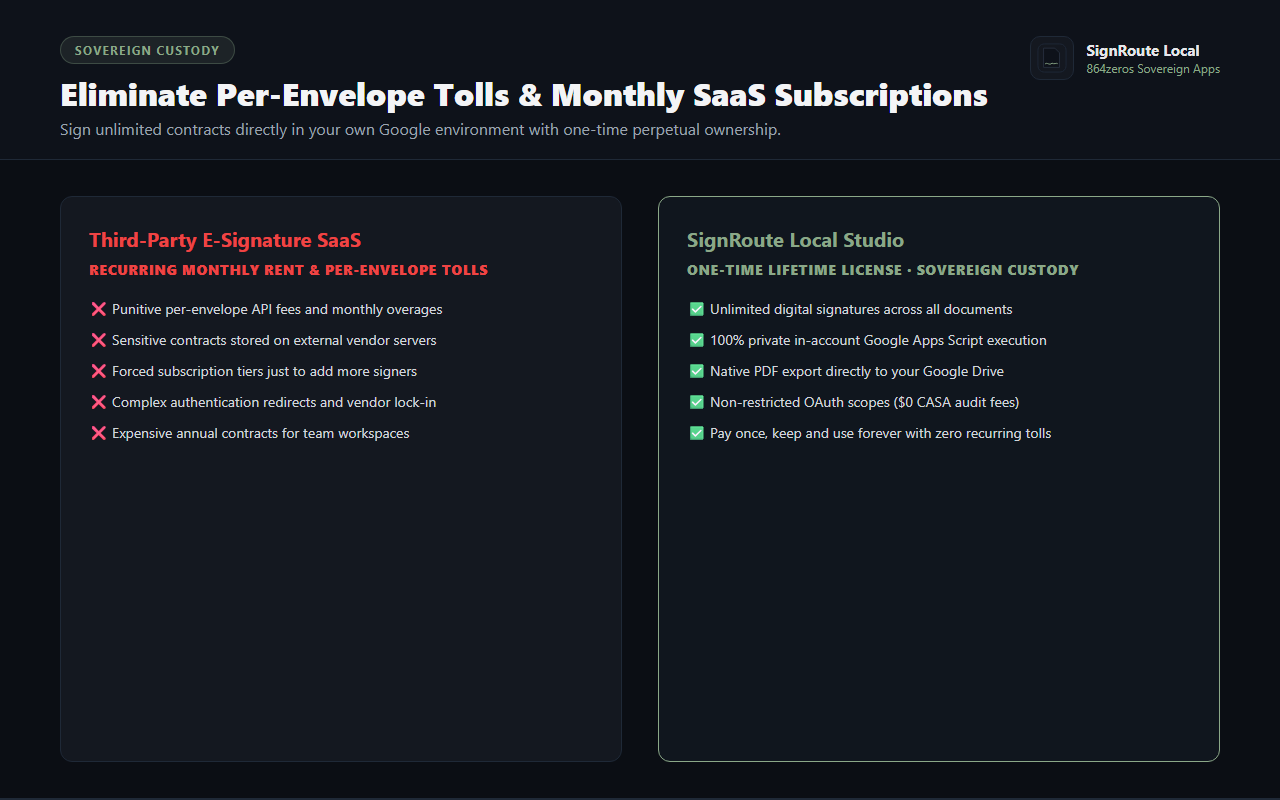
Traditional e-signature platforms charge punishing monthly subscriptions and slap per-envelope transaction fees on every contract, waiver, permission slip, or internal sign-off your organization handles. Worst of all, your confidential documents are routed and stored across third-party vendor servers.
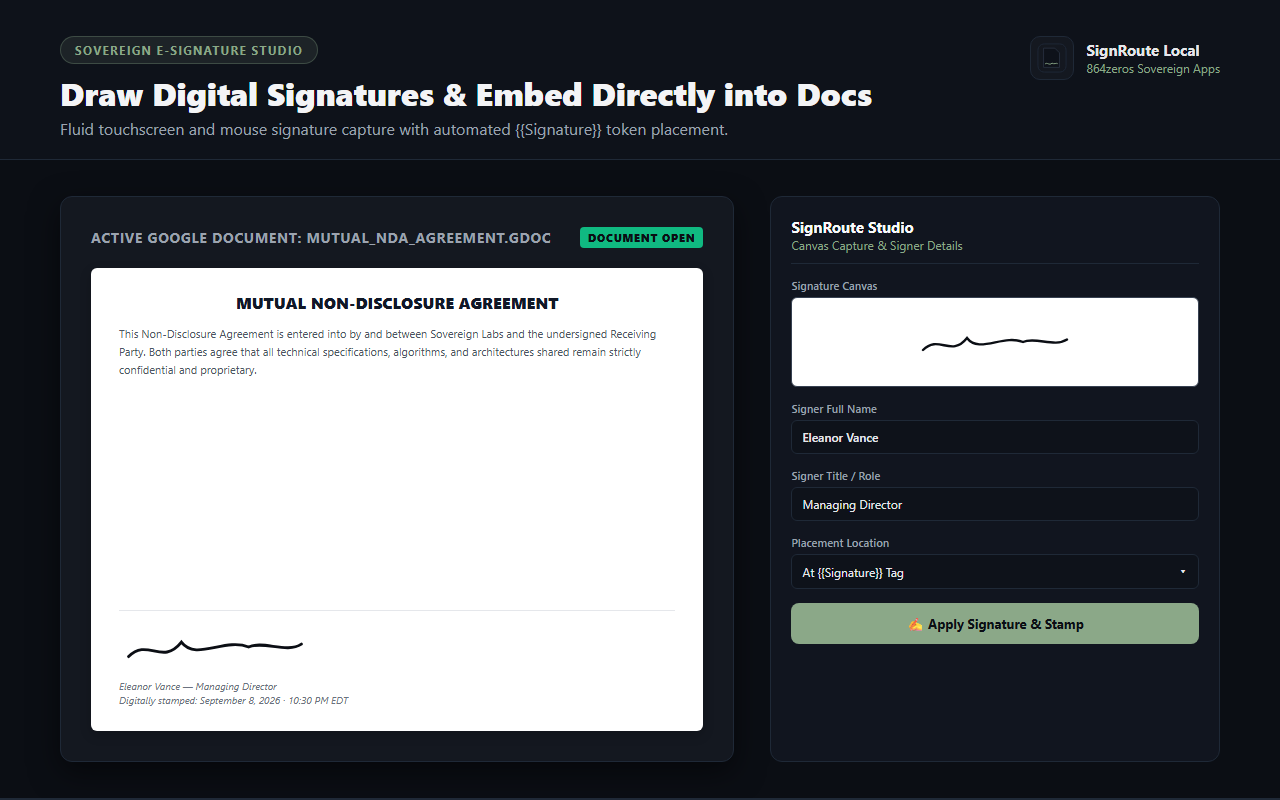
SignRoute Local transforms Google Docs into a sovereign digital signing suite. Draw or capture handwritten signatures on any touch or desktop device, embed them precisely into contract tokens, and generate sealed PDF copies saved directly into your own Google Drive folder.
HTML5 Canvas Capture
Sign naturally using mouse, trackpad, or finger/stylus on touch screens. High-resolution vector rasterization ensures clean, crisp signature stamps every time.
Smart Token & Cursor Placement
Place your signature exactly where it belongs. SignRoute automatically identifies {{Signature}} and {{Date}} placeholders, or stamps at your current cursor position.
Audit Stamping & Metadata
Embed verified signer credentials, job title, and localized timestamps directly beneath the signature image for auditability and compliance.
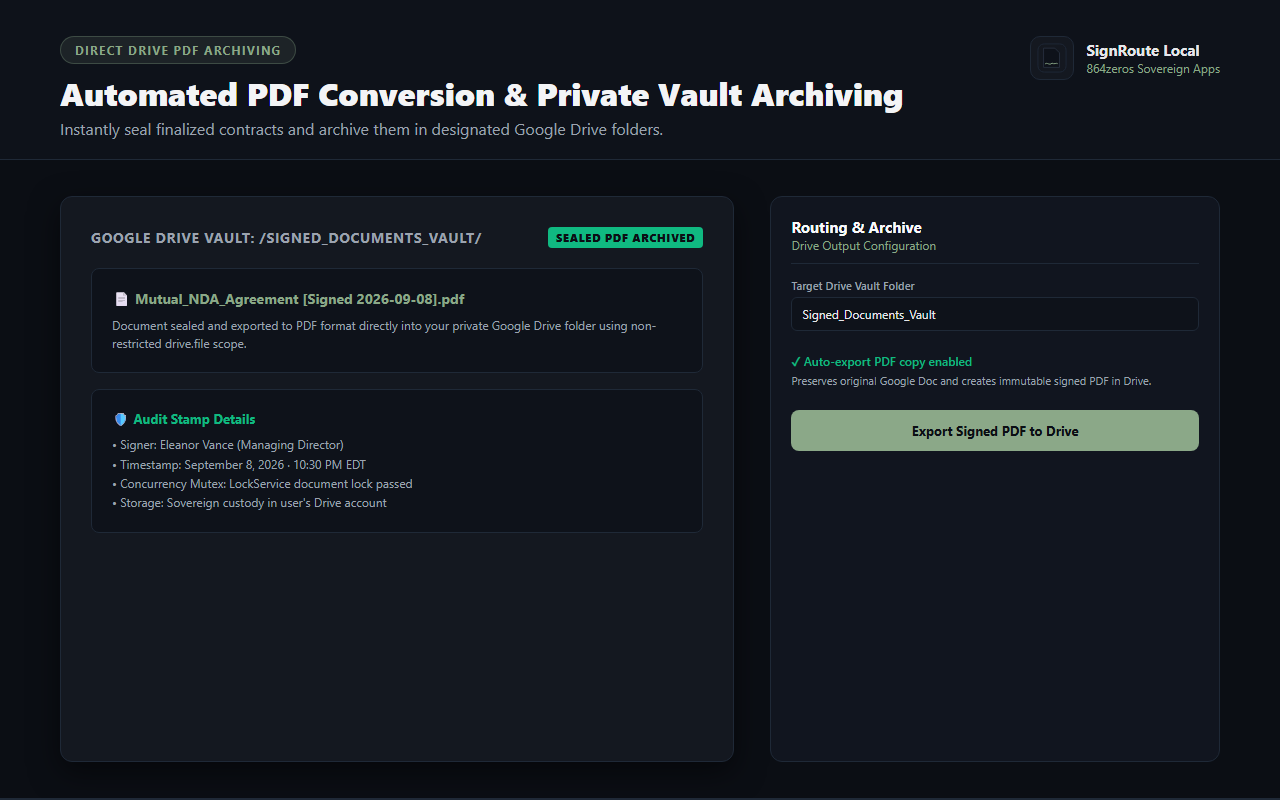
Direct Google Drive PDF Archiving
Converts signed documents into sealed, immutable PDF files and routes them into your designated Google Drive folder automatically upon signing.
Zero Per-Envelope Fees
Eliminate transaction limits and meter anxieties. Sign five documents a day or five hundred—you never pay another per-envelope toll.
100% In-Account Sovereign Custody
Runs entirely inside your own Google Workspace environment using non-restricted scopes. Your contracts never touch external third-party servers.
How It Works
- Open Signature Studio: Launch the SignRoute sidebar in any Google Doc and draw your signature on the canvas.
- Enter Signer Details: Add your name, title, and review the localized signing timestamp.
- Choose Placement Mode: Select whether to replace the
{{Signature}} token, place at the cursor, or append to the document footer.
- Apply & Route: Click "Apply Signature & Stamp" to embed your signature into the document and automatically save a sealed PDF copy in Google Drive.

 Google Add-on