Merge Google Forms submissions into customized Google Docs and downloadable PDFs stored in your Drive. Zero third-party conversion servers, zero submission caps, and zero recurring subscriptions.


Google Forms is the simplest way to collect customer applications, event registrations, inspection audits, and service agreements. But converting those responses into professional, branded documents usually requires expensive add-ons like Form Publisher or Autocrat that impose artificial submission caps, inject unsightly watermarks, or charge escalating monthly subscriptions.
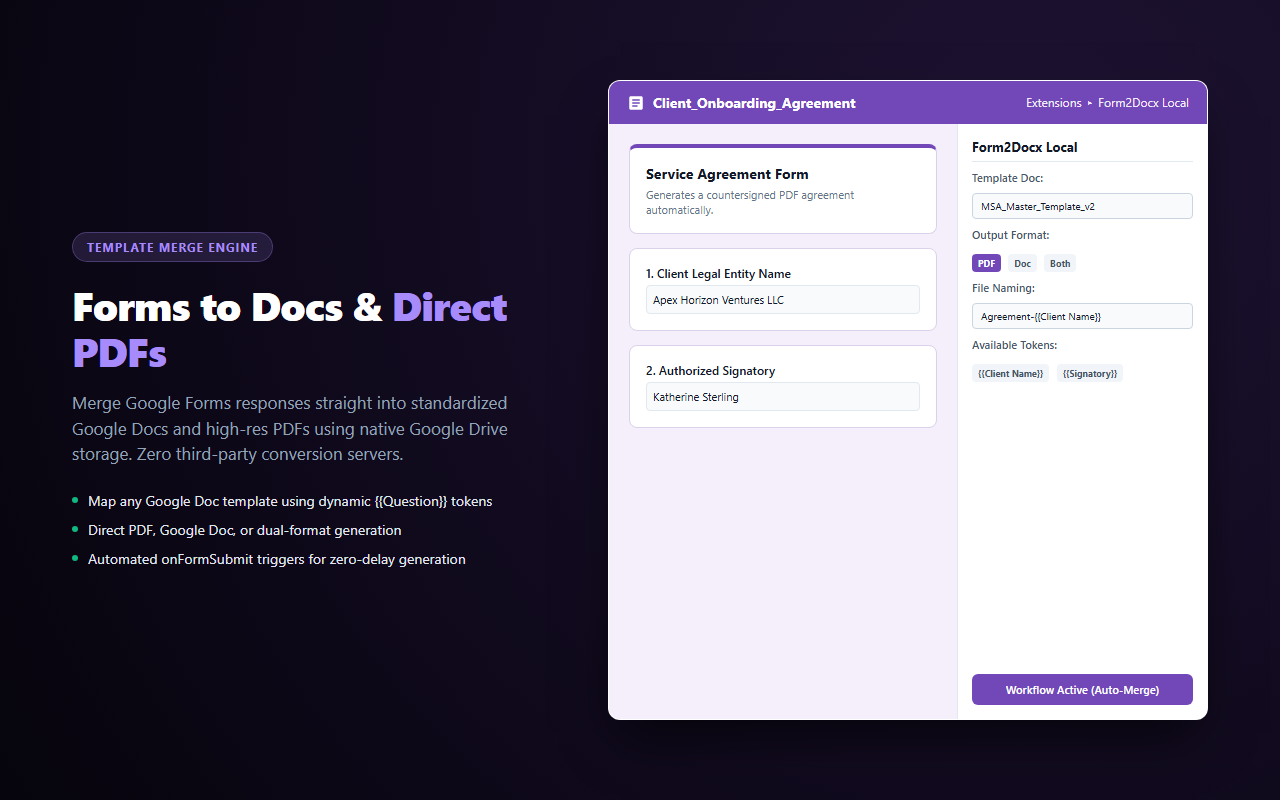
Form2Docx Local gives you unlimited document generation directly inside your Google account. Connect any existing Google Doc as your template, add dynamic {{Question Title}} tokens, and Form2Docx Local automatically outputs formatted Google Docs or direct PDFs to your designated Google Drive folder upon every submission.
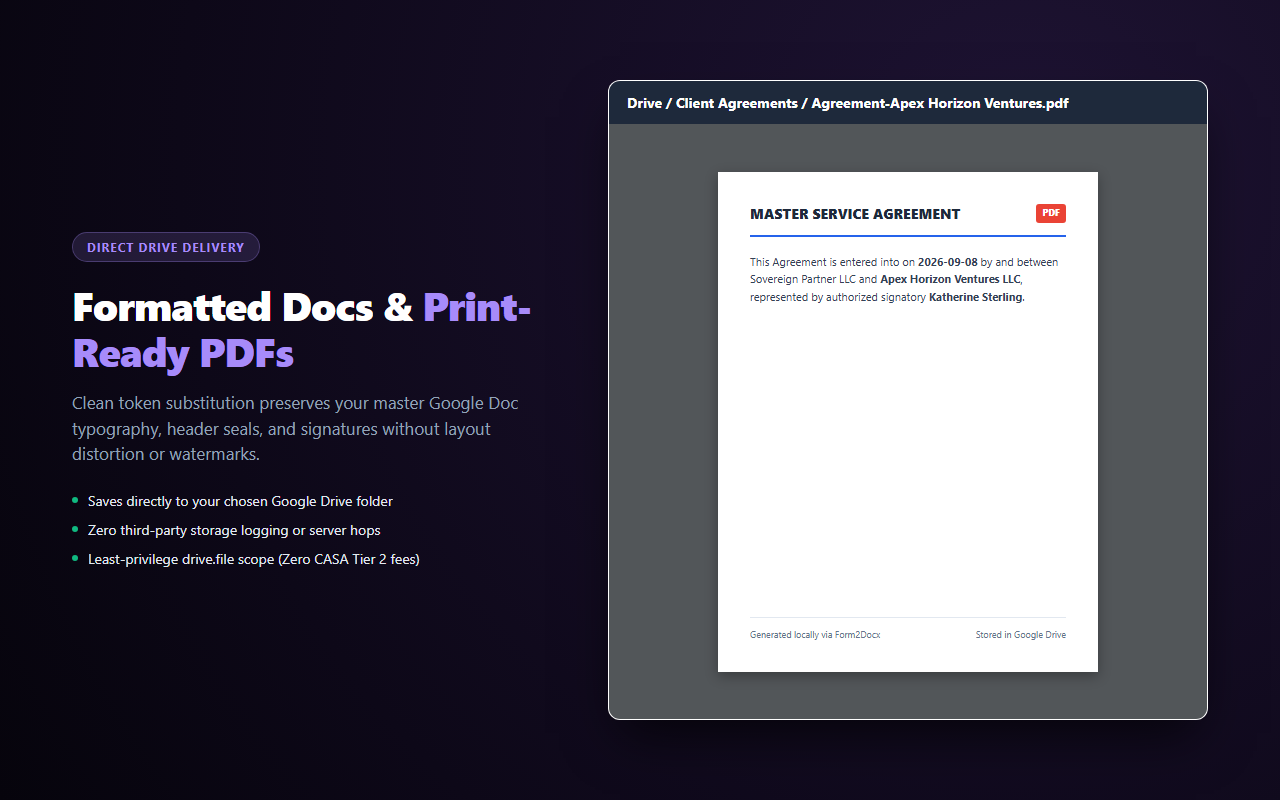
Design your layout in Google Docs with complete typography and branding control. Form2Docx Local swaps tokens across document bodies, headers, and footers.
Output finished PDFs immediately. Form2Docx Local converts documents locally using native Google Drive APIs and cleans up scratch files automatically.
Respondent submissions and output documents never pass through third-party servers. Everything remains strictly inside your own Google Drive.
Installs native Google Apps Script onFormSubmit triggers to generate documents instantaneously when respondents submit your form.
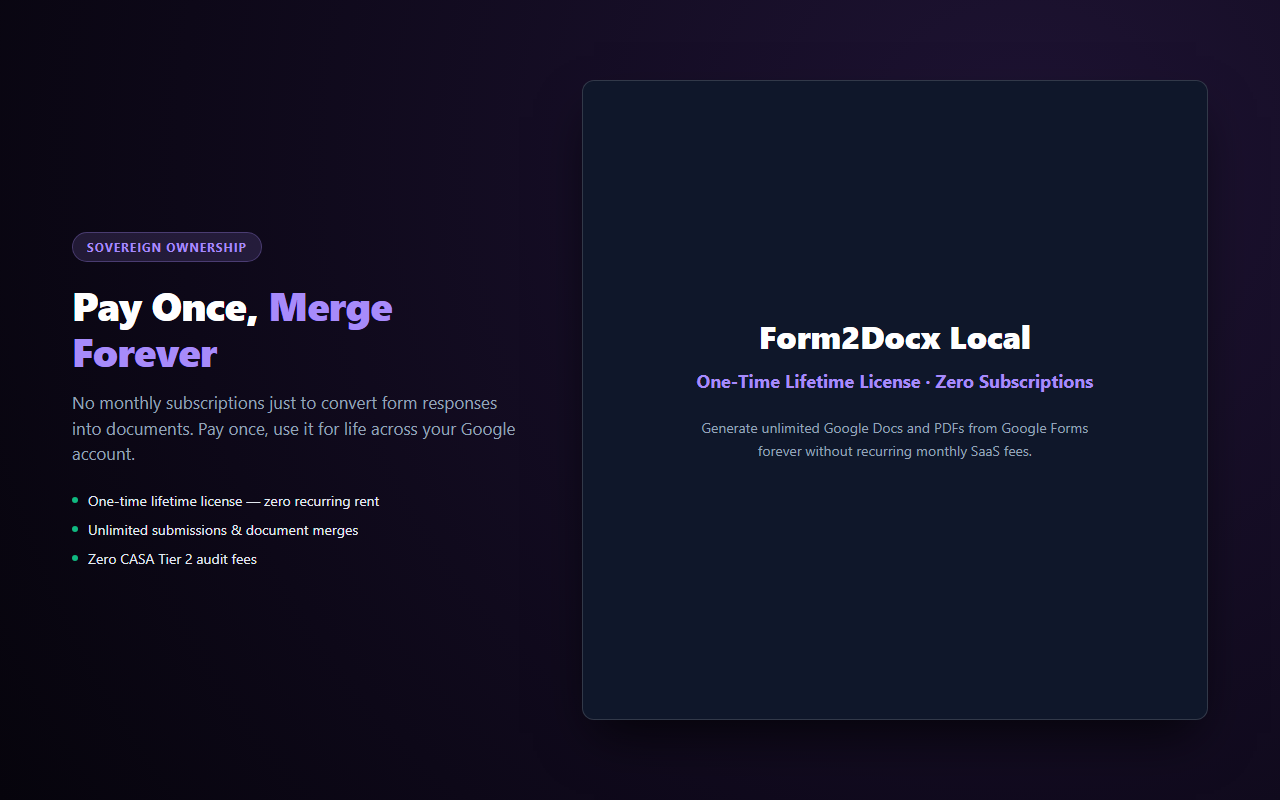
Form2Docx Local runs 100% inside your Google Workspace account. It operates under least-privilege, non-restricted scopes (drive.file), requires zero CASA Tier 2 audit fees, and comes with a transparent one-time lifetime license.