Reclaim Your Drive Storage Without Surrendering Your Privacy
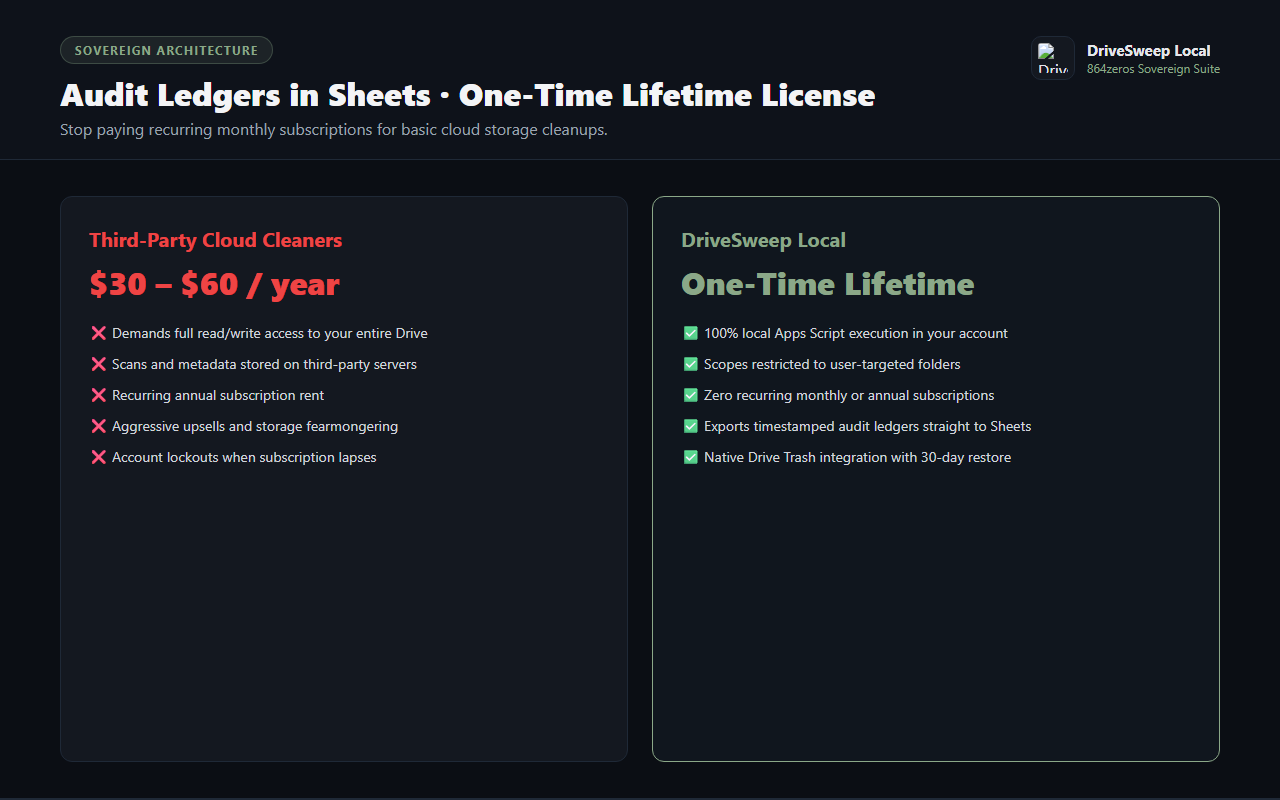
When your Google account storage approaches its quota, third-party cloud cleaners demand full read-write access to every private document, invoice, and photo in your Drive. Then they bill you monthly subscription rent just to tell you which files are duplicates.
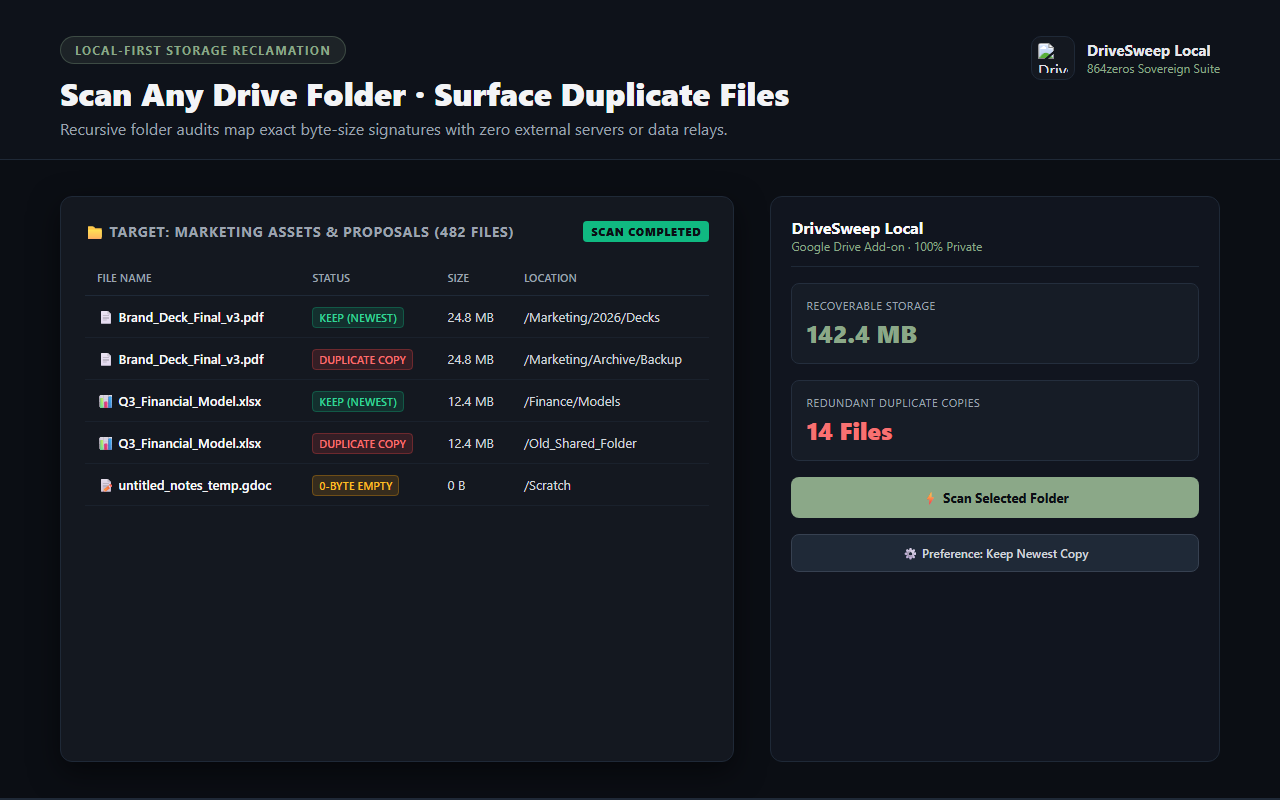
DriveSweep Local provides a sovereign, local-first alternative. Running entirely within your Google Workspace environment via Google Apps Script, DriveSweep examines target folders, detects identical file copies and zero-byte ghost documents, and safely moves redundant copies to your Google Drive Trash.
Targeted Folder & Subfolder Audits
Select any folder directly in Google Drive or paste a folder link. DriveSweep recursively inspects files and compares byte signatures to surface redundant duplicates immediately.
Intelligent Keep Rules
Configure automated retention preferences to keep the newest updated copy or preserve original older versions. Redundant copies are grouped cleanly for instant review.
Zero-Byte & Stale File Detection
Identify corrupted zero-byte uploads, empty scratch files, and abandoned documents untouched for over a year to declutter your directory trees.
Safe Native Trashing
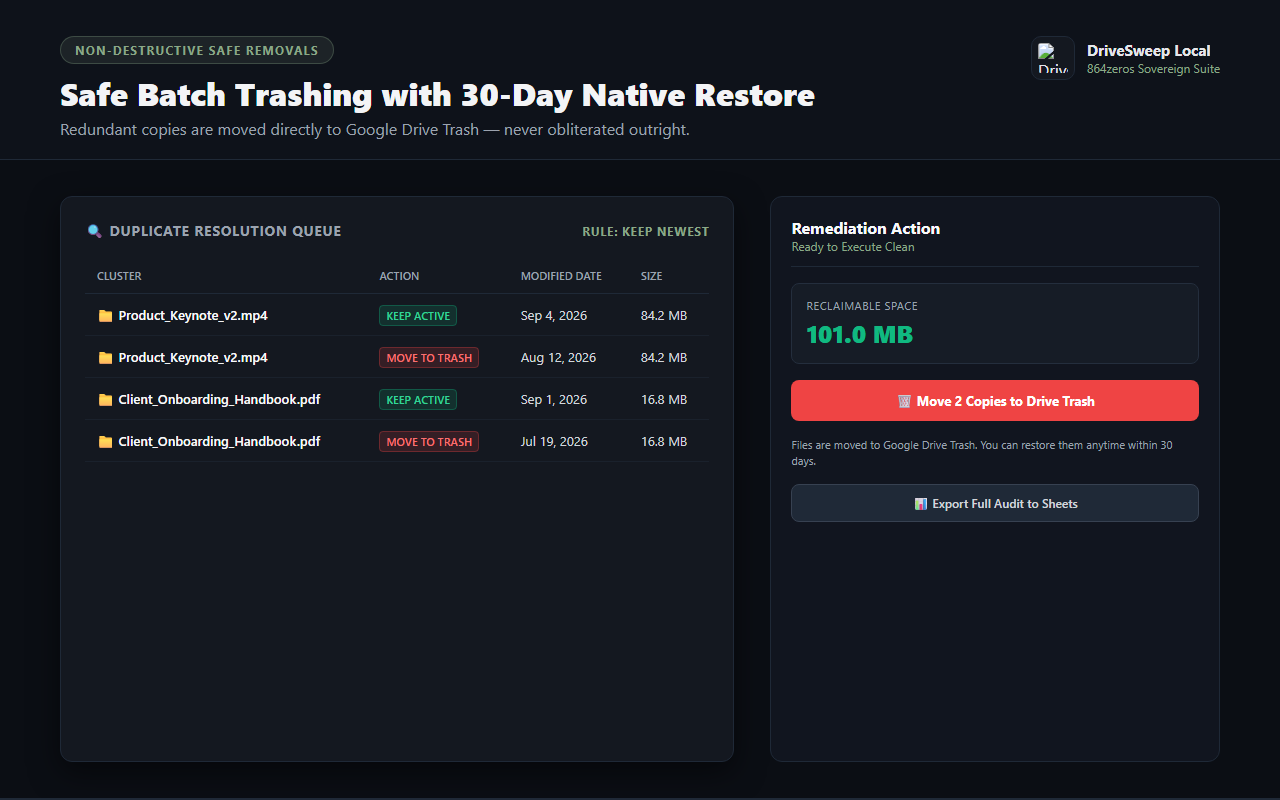
Files are never permanently deleted outright. DriveSweep moves redundant items directly to your native Google Drive Trash, where they remain restorable for 30 days.
Full Audit Ledger in Google Sheets
Generate a timestamped spreadsheet report detailing every scanned file, duplicate grouping, file size, last modified date, and direct Drive link for compliance verification.
Sovereign Custody & One-Time Ownership
No external proxy servers, no third-party data harvesting, and no recurring monthly subscriptions. Buy once, run unlimited scans across your personal and team drives forever.
How It Works
- Select a Target Folder: Open DriveSweep from the Google Drive side panel, or click any folder in Drive to trigger contextual scanning.
- Configure Detection Filters: Choose whether to include zero-byte orphans and stale files, and set your retention rule (keep newest vs oldest).
- Review Storage Ledger: Inspect detected duplicate clusters and see exactly how many megabytes or gigabytes of storage can be reclaimed.
- Trash or Export: Move redundant copies to Google Drive Trash with one click, or export a detailed audit ledger straight to Google Sheets.

 Google Add-on