864zeros
DriveDrop Portal — Sovereign Client File Request & Direct Drive Upload Portal icon
864FGoogle Add-on

DriveDrop Portal — Sovereign Client File Request & Direct Drive Upload Portal

Collect files from external clients and contractors directly into your private Google Drive folder without requiring Google sign-in. Zero third-party servers, zero recurring subscriptions.

Coming to Google Workspace
⚡ 50s Product Demo

Watch DriveDrop Portal in Action

Create branded, password-protected file upload portals that save client submissions directly into your designated Google Drive folder. External submitters never need a Google account.

No subscriptions · $12.99 one-time lifetime license · Pay once, keep forever
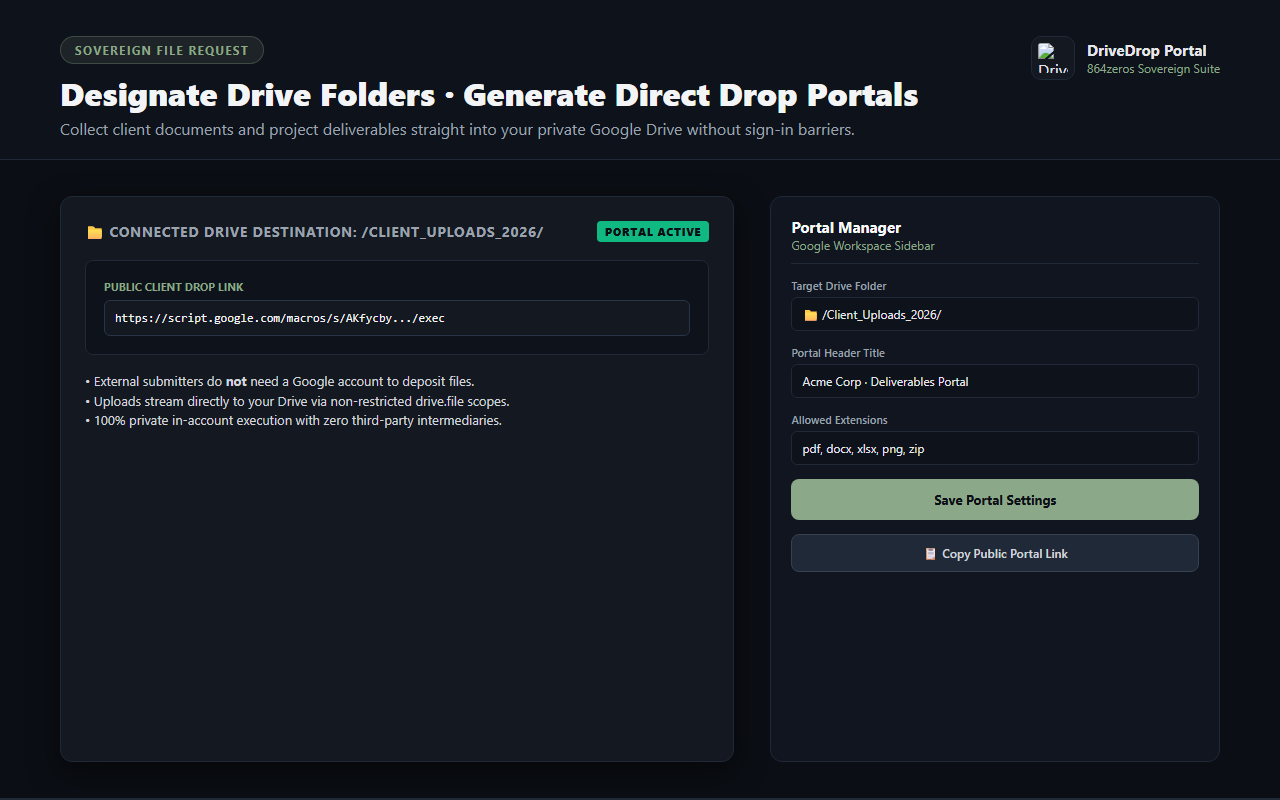
DriveDrop Portal — destination folder setup and portal link generator
Designate any Google Drive folder as a secure drop destination and generate shareable portal links.
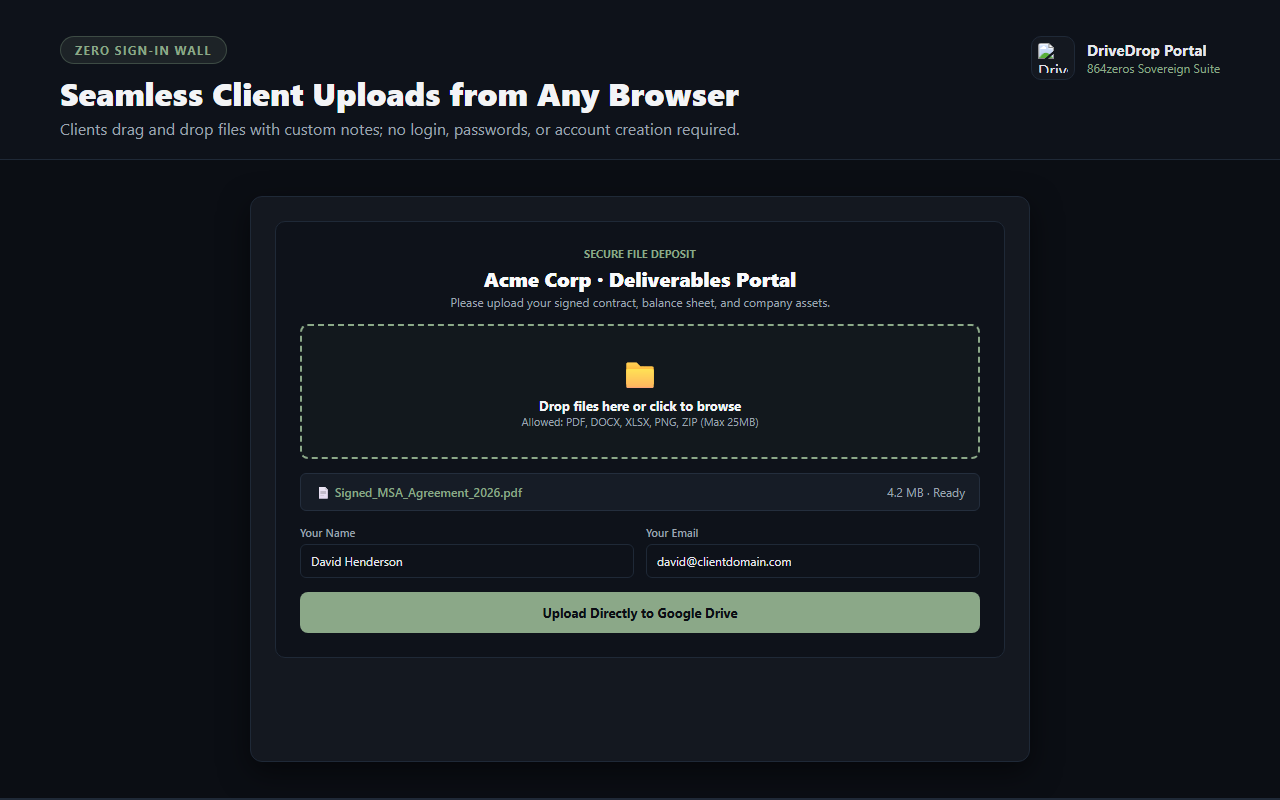
DriveDrop Portal — client-facing drag-and-drop file upload interface
External clients upload files with custom notes without requiring Google sign-in or account creation.
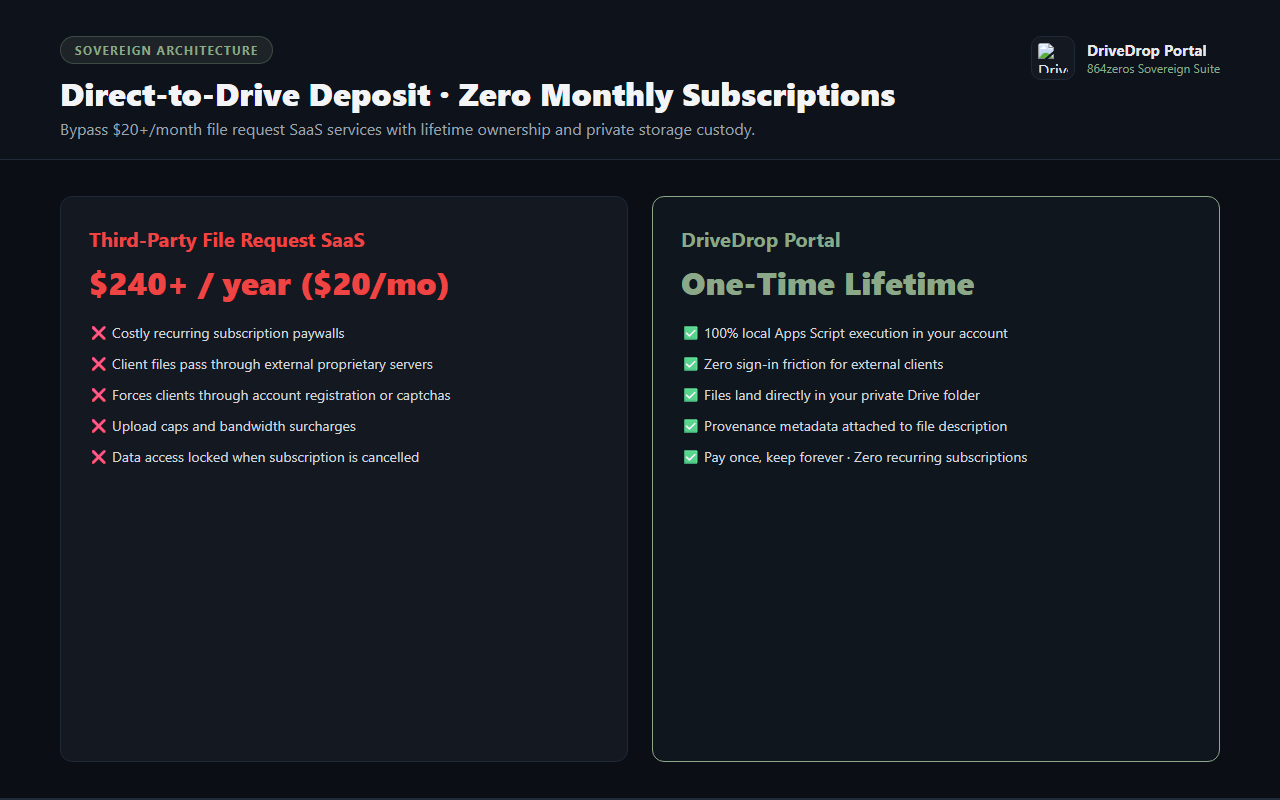
DriveDrop Portal — direct-to-Drive deposit and lifetime license
Files land directly in your private Drive folder with upload metadata and zero recurring monthly fees.

Collect Client Files Directly Into Google Drive Without Sign-In Walls

Requesting large files, tax documents, creative assets, or invoices from clients usually degenerates into messy email attachments or clunky cloud upload links that demand the client sign in with a Google account. When clients don't have or don't want to use Google accounts, workflows grind to a halt.

DriveDrop Portal solves external file collection sovereignty. Running 100% locally in your Google Workspace environment via Google Apps Script, DriveDrop generates a public, branded upload dropzone. External clients simply drag and drop their files, and DriveDrop saves them directly into your designated private Google Drive folder with full uploader metadata.

Zero Sign-In Wall

Clients, contractors, and partners can upload files instantly from any browser on desktop or mobile without creating an account or signing into Google.

Direct-to-Drive Ingestion

Uploaded files stream straight into your specified private Google Drive folder. No intermediate third-party hosting, no data scraping, and no secondary storage fees.

Custom Branding & Instructions

Personalize the portal with your company name, custom instructions, allowed file type filters (PDF, DOCX, ZIP, images), and file size boundaries.

Optional PIN Security

Protect sensitive file collection portals with a secure access PIN code, ensuring only authorized clients can deposit files into your folder.

Automatic Metadata Logging

Captures the uploader's name, email, project notes, and submission timestamps directly inside the Google Drive file description for permanent provenance.

Sovereign Custody & One-Time Ownership

Stop paying expensive recurring SaaS subscriptions for basic file requests. Own your file portal outright with a single perpetual license.

How It Works

  1. Select Destination Folder: Open DriveDrop from the Google Workspace sidebar and choose which Drive folder will receive client files.
  2. Set Custom Instructions: Add your project prompt, specify allowed file extensions, and optionally set an access PIN.
  3. Share Portal Link: Send the generated upload link to your client or embed it on your private client portal.
  4. Receive Files Instantly: Files deposited by your client appear directly inside your Google Drive folder in real time.